 Toknary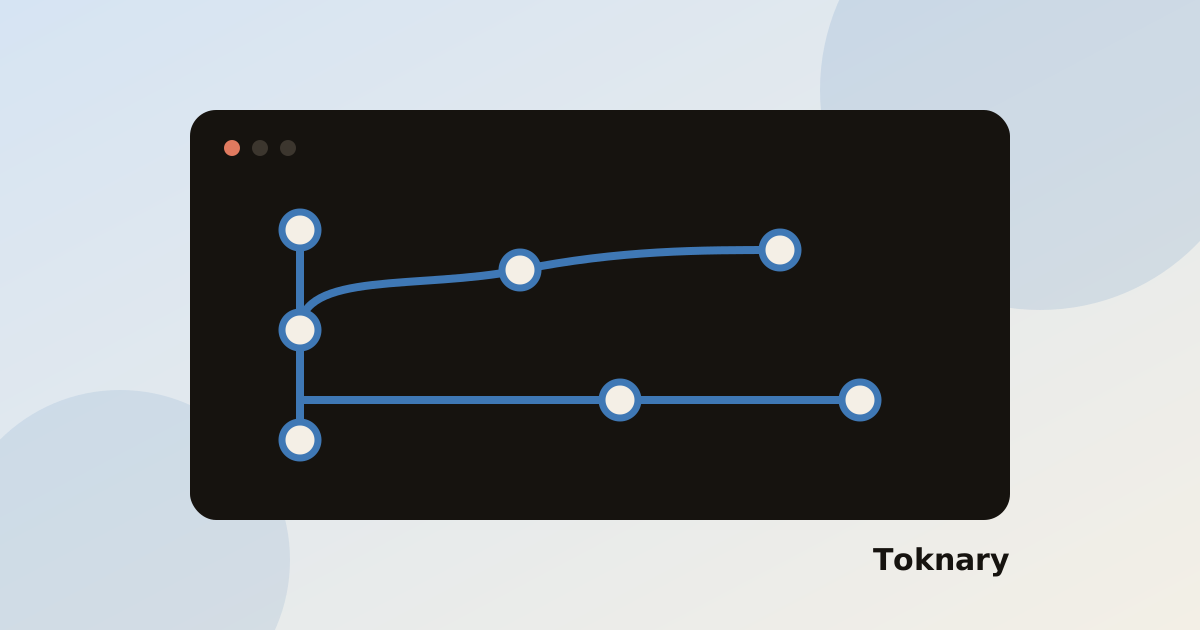
Git is the best undo button you have. A few habits make it work well with a coding agent.
What should I do before the agent starts?
- Commit or stash your own work so the tree is clean.
- Create a branch for the task.
A clean tree means every change you see afterwards came from the agent, which makes review simple.
What should I do while it works?
Commit after each good step, not at the end. Small commits are easy to review and easy to revert. Use git diff to read what changed.
What should I do when it goes wrong?
Discard the change with git restore for a file, or reset the branch to the last good commit. Then give the agent a narrower request instead of fixing a bad attempt by hand.
What about the final merge?
Review the full diff once more before opening a pull request. The review checklist is a good guide, and refactoring in small steps shows the loop in practice.
Toknary works on the repository on your computer, so your normal Git tools stay in charge. Install it and try the routine.